


Registering for Classes
How to Register for Classes
All current students who plan to enroll for Spring 2027 should register for classes before leaving campus at the end of fall semester 2026.
- In myCU, sign the .
- Visit to view your registration date and time.
- Create your schedule plan in Student Planning.
- In the left hand menu, go to Academics, Student Planning, and Plan and Schedule.
- Go to the timeline tab to create your four-year plan.
- Connect with your advisor to discuss your schedule and select course sections.
- Click “Register” to activate your schedule in Student Planning after your registration time opens.
- Undergraduate students must also receive advisor approval.
- Verify that your schedule is accurate in your Student Planning account.
Registration Schedule
Find your specific registration date and time by visiting Student Planning. Classification is determined by the total hours complete at the time of registration.
Scroll horizontally to view additional details.
| Completed Hours | Classification | Registration Period Opens for Spring 2027 |
|---|---|---|
| Priority | October 20–21 | |
| Graduate Students | October 22 | |
| 91+ hours | Seniors | October 22–23 |
| 61–90.99+ hours | Juniors | October 26–27 |
| 31–60.99 hours | Sophomores | October 28–30 |
| 1–30.99 hours | Freshmen | November 10–12 |
How to Register for
Schedules and Forms
Undergraduate Students
DROP/ADD AND REFUND SCHEDULE FOR SPRING
FINAL EXAM SCHEDULE FOR SPRING
Graduate Students
Financial Information
The first payment is due on January 4, 2027. Accounts paid after a 10-day grace period are considered late and are subject to a $25 late penalty. Your financial aid is reflected on your current student account activity page. You may view your student account balance and current bill through myCU. To do this, search "View Student Account."
Tuition Block for Undergraduate Students
Tuition block is 12–17 credits. Additional tuition is charged starting at 17.5 credits.
Payment Methods
- Check: Make your paper check payable to Ă۶ąapp and write the student's seven-digit ID# on the face of the check.
- Credit Card: Most major credit cards are accepted, except American Express, with a 2.7% convenience fee.
- Electronic Payment: In myCU, search for "View Student Account/Pay Bill." There is no fee for this option.
Deferred/4-Month Payment* Due Dates
January 4, *February 1, *March 1, *April 1.
*plus simple interest at 5% annual, compounded daily
How to Use Student Planning
Current students will use Student Planning to register for classes. Prior to the registration period, students should update their academic plan in Student Planning, and they must sign the .
Registration times are assigned for all undergraduate students according to classification and completed credits. You may view your registration start date and time in Student Planning. Also, your academic advisor must approve you to register before you may activate your course schedule. Remember, you may register any time after the beginning of your assigned registration time.
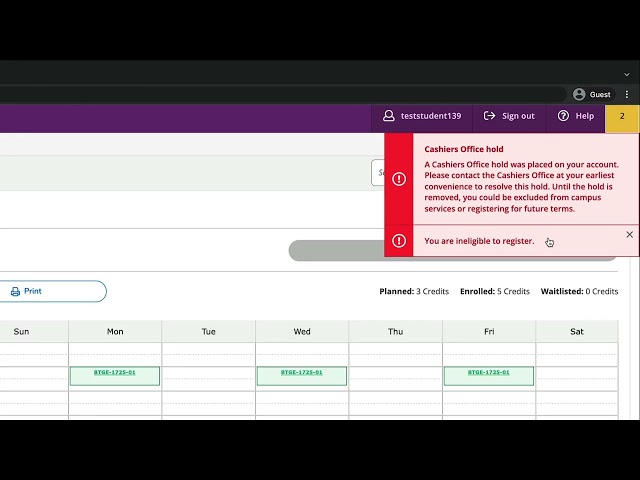
Course Registration Overview
This video explains the required steps before registering for classes, including signing the Financial Responsibility Agreement and receiving advisor approval. Learn how to check for holds, clear...
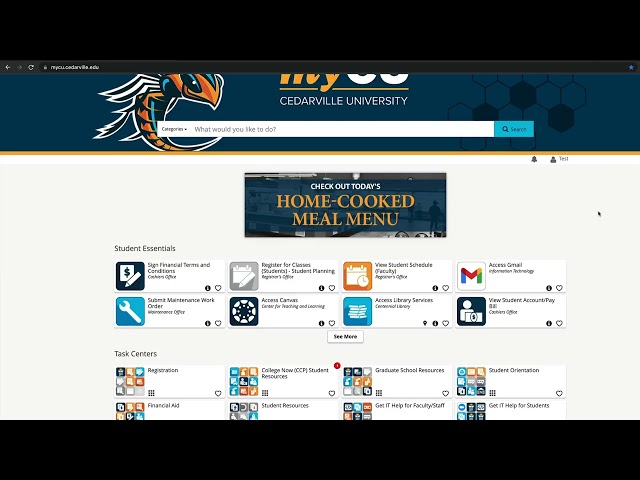
How to Access Student Planning
Getting started with Student Planning is quick and easy. In this tutorial, you’ll learn the two different ways to access Student Planning so you can view your degree plan, manage your courses, and...
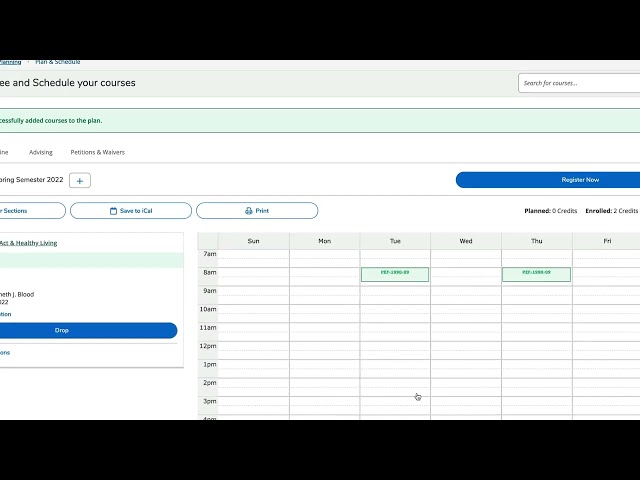
How to Create a Four Year Plan
Learn how to load and customize a sample four-year plan in Student Planning. This video shows you how to select the correct term, preview and load your program, adjust your timeline, add semesters,...
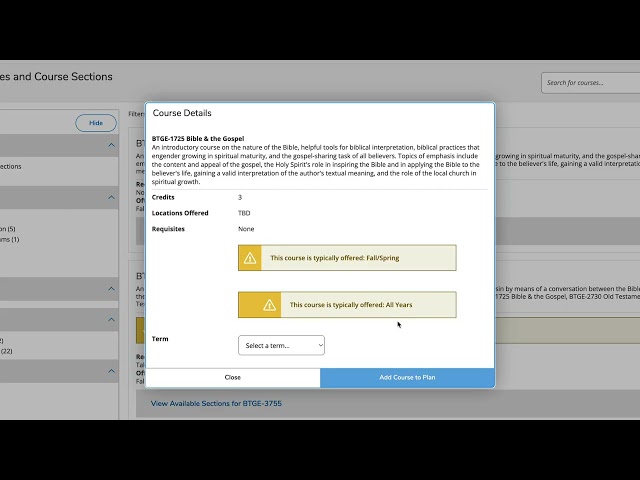
How to Register for a Class and a Section
Need help registering for classes? This step-by-step tutorial walks you through how to add a course to your plan, register for a section, and drop a course using Student Planning. Whether you’re...
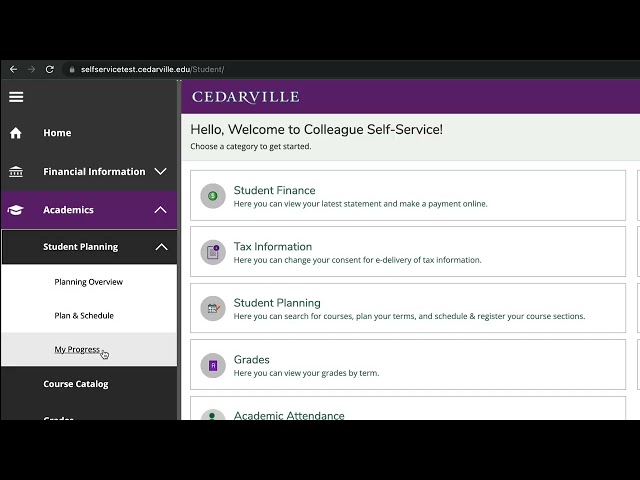
How to See Your Progress
Learn how to access My Progress in Student Planning through the student self-service portal. This video explains how to review degree requirements, minors, transfer and AP credits, and understand the...
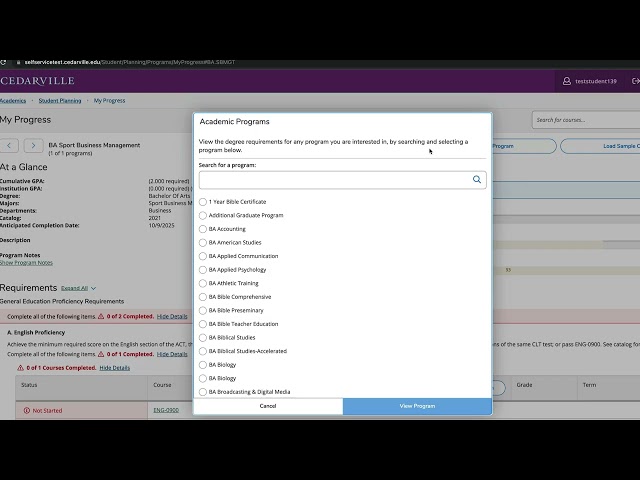
How to View a New Program Degree
Learn how to use the "View a New Program" feature in Student Planning to explore different majors. This tutorial shows how to review program requirements, identify overlapping courses, and understand...